.png?fit=max&auto=format&n=gbfjATVuDlrW3nc5&q=85&s=18d74c7d9905cdd8e08147a76da1eab2)
How to Trade
1
Browse markets
Go to **Prediction tab and choose Polymarket **in the dropdown. Search for a topic or browse events.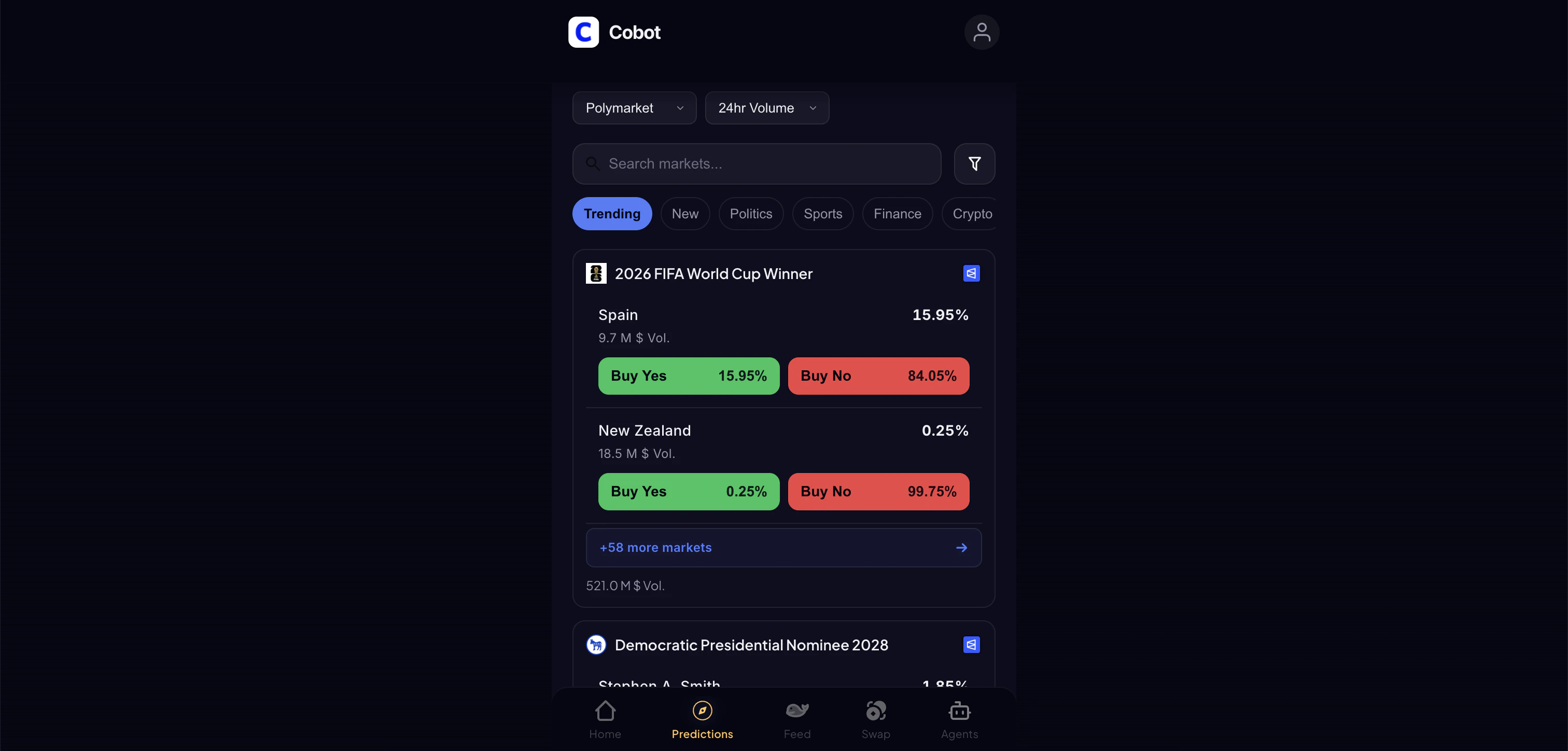
2
Choose an outcome
Tap an event to see its markets. Choose Yes or No on an outcome.
3
Select order type
- Market order: Fills immediately at the current best price
- Limit order: Set your price, fills when the market reaches it
4
Set amount and confirm
Enter your amount in USD and confirm your trade.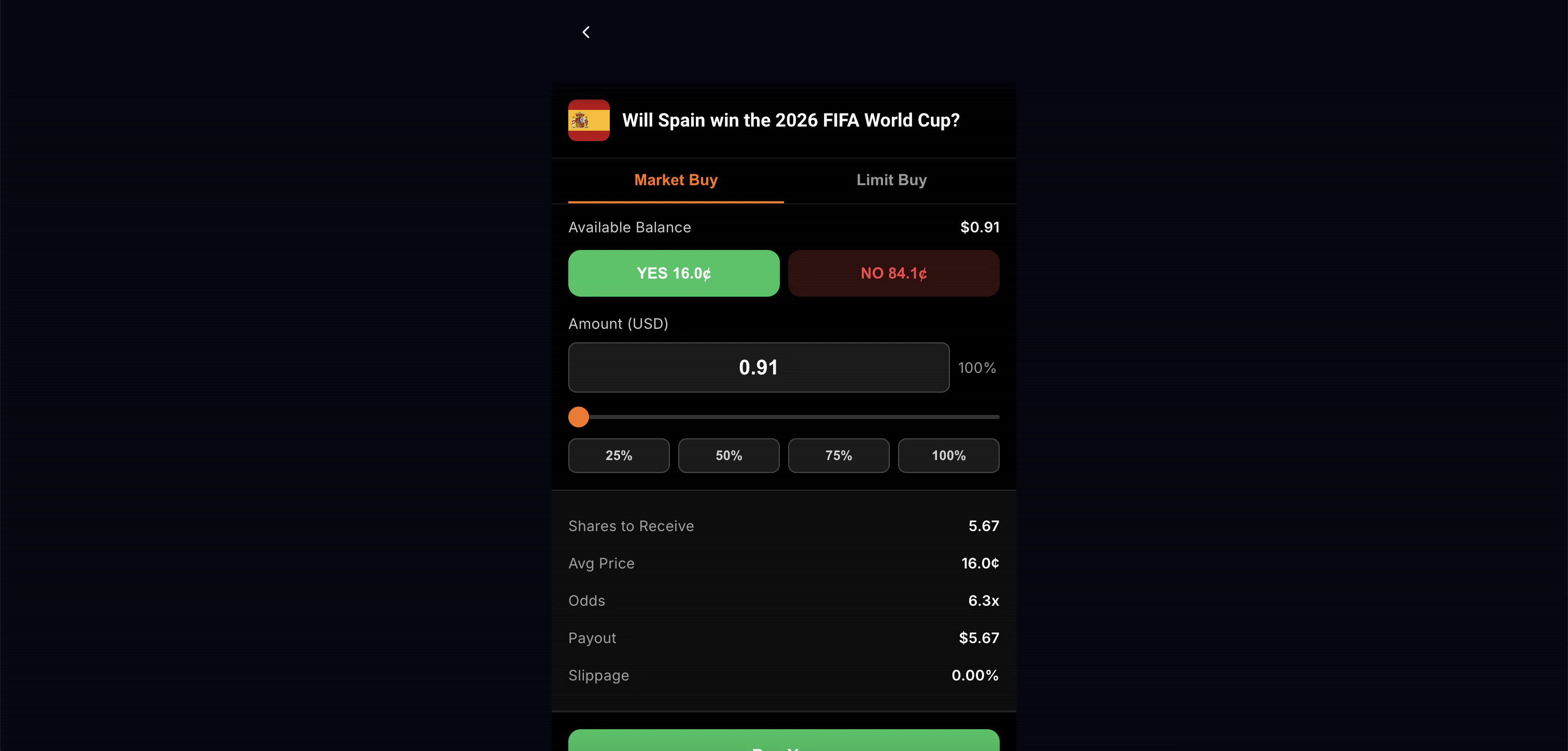
Managing Positions
- View open positions in your portfolio
- Close early to lock in profit or cut losses
- Winning positions are automatically redeemed when markets resolve
Order Types
Key Features
- Real-time orderbook data via WebSocket
- Portfolio view with P&L
- Auto-redemption of winning positions
- Safe wallet for enhanced security
- Multi-chain bridge deposits