> ## Documentation Index
> Fetch the complete documentation index at: https://docs.cobot.gg/llms.txt
> Use this file to discover all available pages before exploring further.
# Create Your Account
> Sign up and get started with Cobot in under a minute
## Sign Up
1. Open the app at [**app.cobot.gg**](https://app.cobot.gg)
2. Sign in with your **phone number** (OTP) or **Google account**
3. Complete your profile (username)
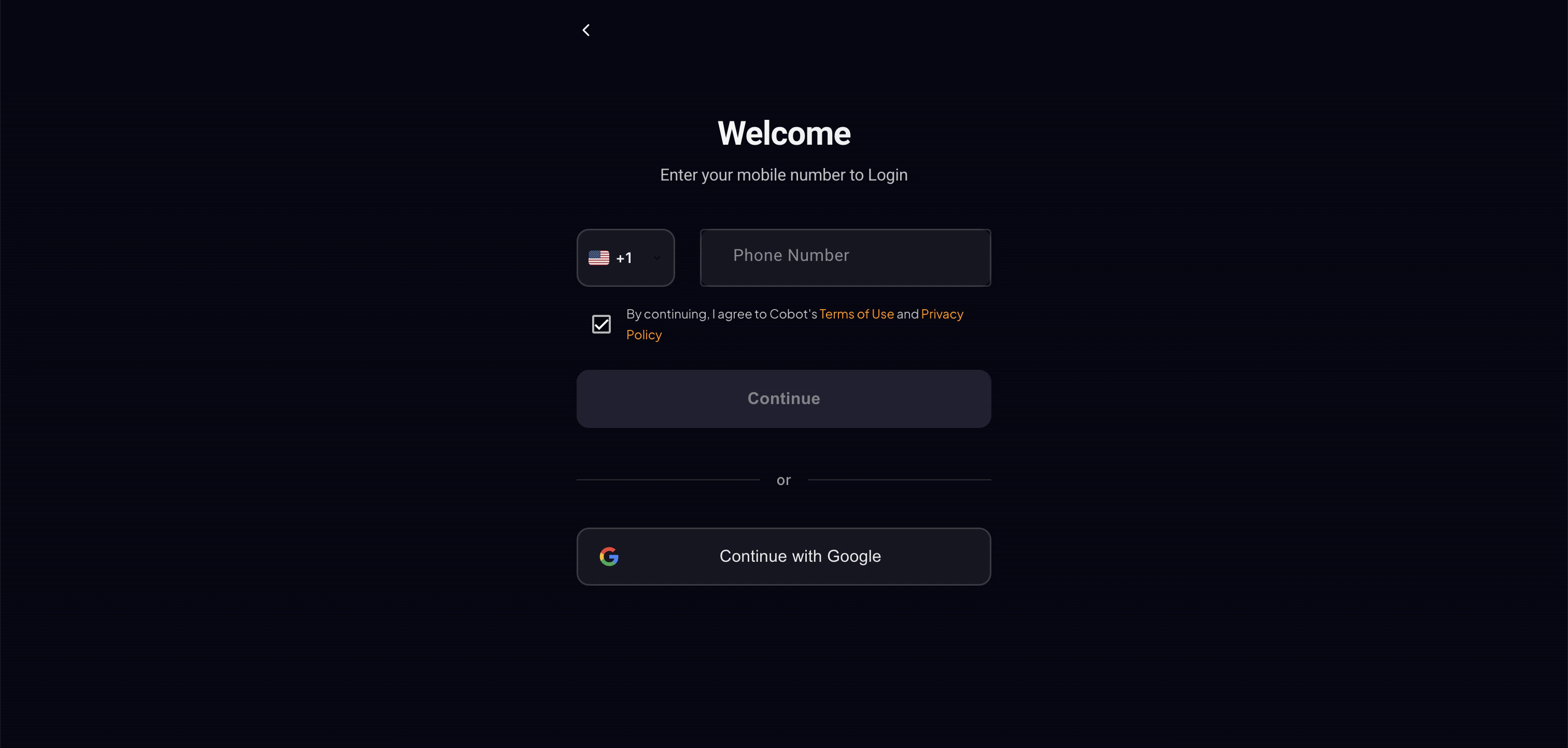 Cobot supports phone OTP (primary) and Google OAuth authentication. Farcaster login is also supported.
## What Happens at Sign Up
When you create your account, Cobot automatically provisions:
* An **EVM Wallet** (Ethereum, Base, Polygon, BSC, Arbitrum)
* A **Solana Wallet** (SVM)
* A **Polymarket Safe Wallet** (Gnosis Safe on Polygon) for prediction market trading
## Navigation
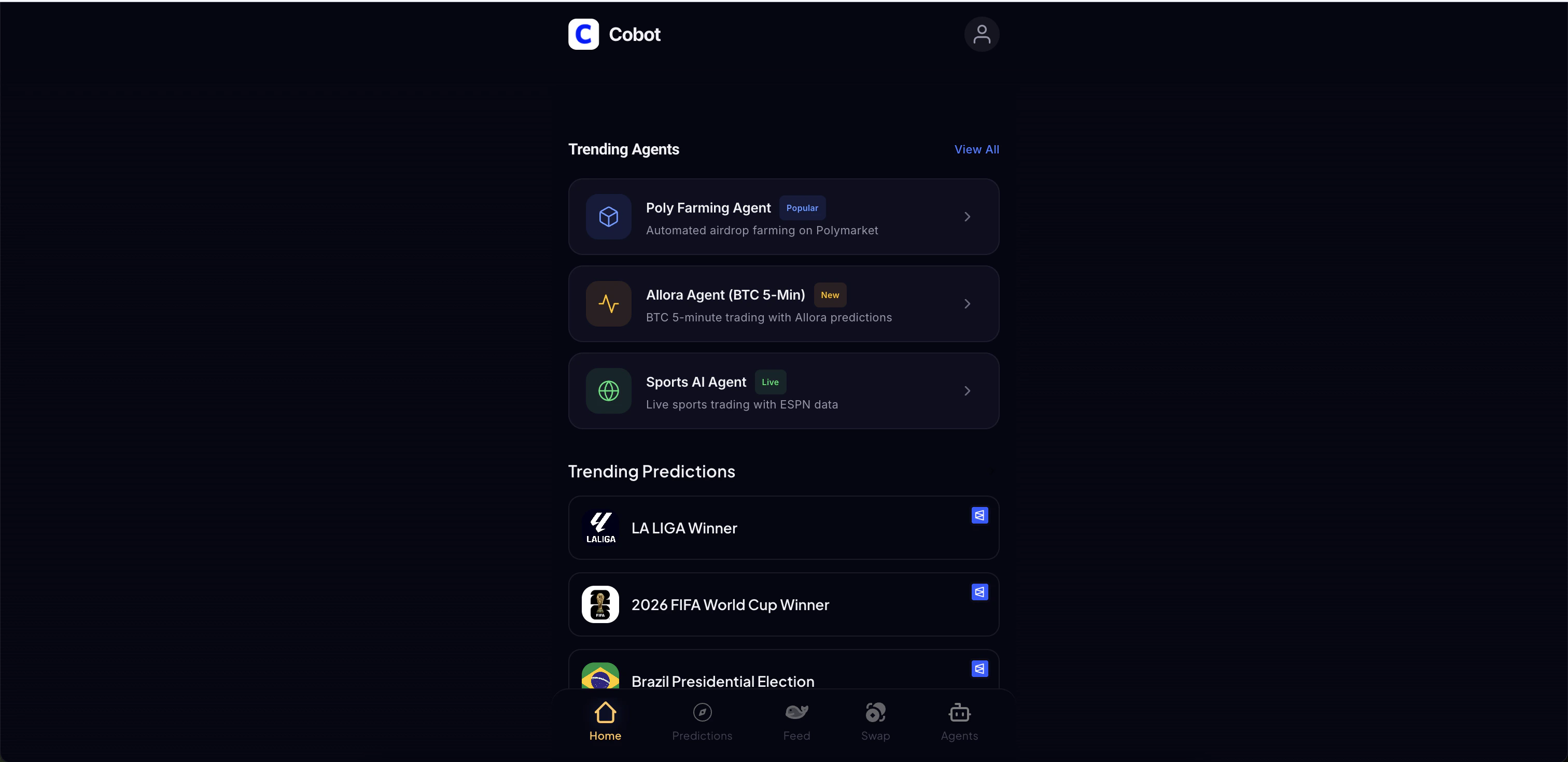
After signing in, you'll land on the **Home Dashboard** with:
* **Popular Agents** - Trending agent carousel
* **Predictions Feed** - AI-curated prediction market opportunities
Cobot supports phone OTP (primary) and Google OAuth authentication. Farcaster login is also supported.
## What Happens at Sign Up
When you create your account, Cobot automatically provisions:
* An **EVM Wallet** (Ethereum, Base, Polygon, BSC, Arbitrum)
* A **Solana Wallet** (SVM)
* A **Polymarket Safe Wallet** (Gnosis Safe on Polygon) for prediction market trading
## Navigation
After signing in, you'll land on the **Home Dashboard** with:
* **Popular Agents** - Trending agent carousel
* **Predictions Feed** - AI-curated prediction market opportunities
 ### Key Pages
| Page | What It Does |
| ---------- | ---------------------------------------------------------- |
| Home | Dashboard with markets and agents |
| Profile | Account settings, wallet addresses , News feed , Portfolio |
| Agents | Browse and enable trading agents |
| Swap | Swap and bridge tokens powered by Li.FI |
| Whale feed | Whale tracking and copy trading ( Will be live post TGE ) |
### Key Pages
| Page | What It Does |
| ---------- | ---------------------------------------------------------- |
| Home | Dashboard with markets and agents |
| Profile | Account settings, wallet addresses , News feed , Portfolio |
| Agents | Browse and enable trading agents |
| Swap | Swap and bridge tokens powered by Li.FI |
| Whale feed | Whale tracking and copy trading ( Will be live post TGE ) |